-1.png?height=120&name=Halo%20Illustrations%20(1)-1.png)
Learn how to view and manage multiple logs from 1 dashboard.
 Jump straight to the step-by-step guide
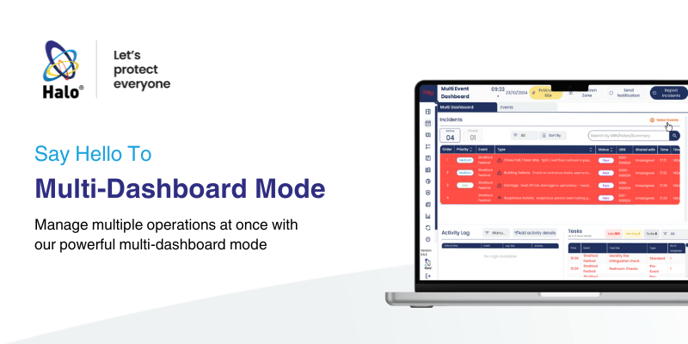
Halo's Multi-Dashboard Mode allows you to create a 'helicopter view' of your operations by feeding several individual Logs into 1 dashboard. This can allow you to split your Halo System Logs into individual teams, locations or departments, giving each one a clear view of their operation and all open incidents, issues and tasks, whilst also giving your main control function oversight of all operations from one single dashboard.
This revolutionary mode is a world-first for managing multiple operations at once through an IMS, and is unique to Halo!
To utilise Multi-Dashboard Mode, you first need to divide your operations into individual Logs, and assign your teams and users to their respective Log(s), ensuring they have the correct user permissions. Then you can follow the steps below to set up your Multi-Dashboard:
Setting up Multi-Dashboard Mode