-1.png?height=120&name=Halo%20Illustrations%20(1)-1.png)
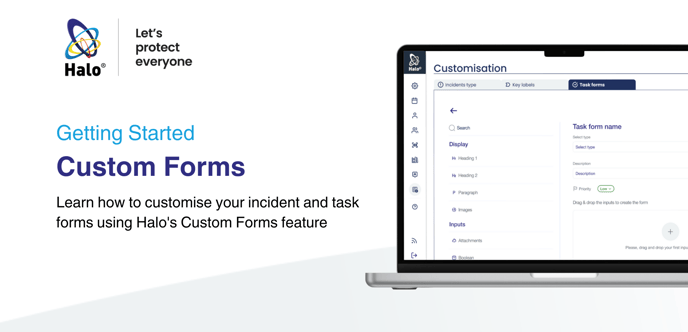
Learn how to set-up and customise your incident types and task forms using Halo's Custom Forms feature
Contents
Introduction
Setting up custom incident types
What Next?
Learn how to use our Task and Incident Management Features
Introducing: Custom Forms
So, you've set up your HaloHub and created your first Log. Now it's time to create your custom forms, which helps you streamline your incident and task management workflows efficiently, and tailor the Halo System to your specific needs.
Setting up custom incident types
It's time to set-up custom incident types and create the forms that your team will use to supply all the required data when logging an incident of this type.
Before diving in, we recommend considering the types of incidents, issues and occurrences that take place in your operations:
- How could we categorise these?
- What naming conventions would staff understand?
- What key questions do we need for our audit trail & data capture?
Once you're happy with what incident types and forms you need, and what they will include, you can get started setting them up. Here's how: